01 / Start the enquiry
Choose a category and share a short outline. The message begins a conversation; it does not book work, establish a diagnosis or confirm a price.
Process
Each stage has a purpose before work is agreed.
Choose a category and share a short outline. The message begins a conversation; it does not book work, establish a diagnosis or confirm a price.
Discuss which information and assessment are needed. Confirm service coverage, responsibilities and availability before taking the next step.
Understand the proposed scope, cost, exclusions and terms before deciding to proceed. Any work requires a separate agreement.
Before you begin
No. The shop needs to confirm the vehicle, service, assessment and availability separately. A website message is not a diagnosis, appointment or repair authorization.
Share the general make, model and year, the service or concern and when you have noticed it. Ask how to provide any further information through an agreed channel.
No. This is a general service enquiry. The shop needs to assess the vehicle and confirm the appropriate next step. This form does not provide urgent assistance or determine whether a vehicle is safe to drive.
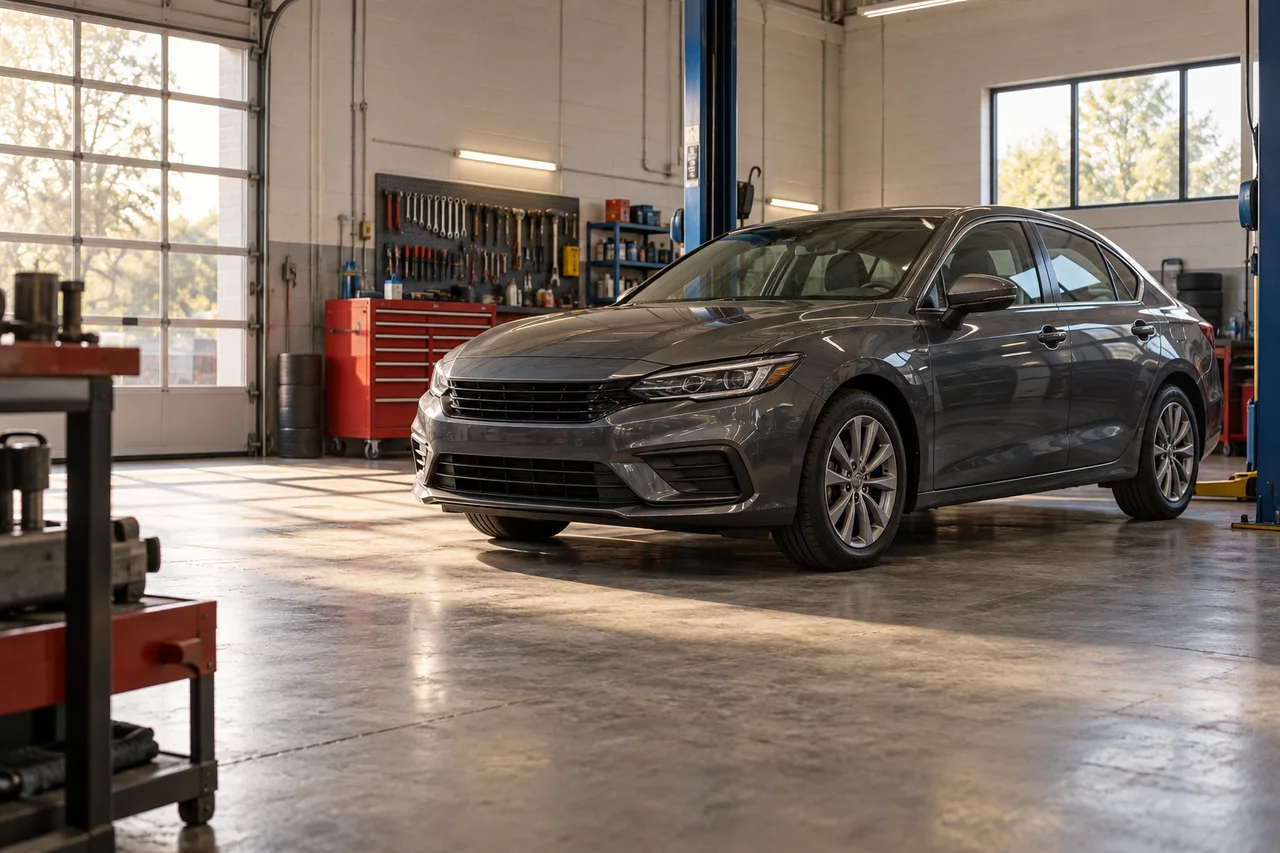
No. The original workshop image is an illustrative concept. It does not show a real business, its equipment or a completed service.
A vehicle question?